Mahakal Darshan Online Booking — VIP & Sheeghra Pass
The Mahakaleshwar VIP / Sheeghra darshan pass — commonly called the ₹250 ticket — bypasses the 90-minute to 3-hour general darshan queue. This is the complete booking walkthrough including who qualifies, what the pass covers, and the common mistakes that cause rejection.
Sheeghra vs Bhasma Aarti vs General Darshan
Three different darshan categories at Mahakaleshwar Temple are commonly confused:
| Category | Fee | Time | Booking | Queue |
|---|---|---|---|---|
| General Darshan | Free | 4:30 AM – 10:30 PM | None | 90 min – 3 hr |
| Sheeghra / VIP Darshan | ₹250 per person | 4:30 AM – 10:30 PM | Online or counter | 20–40 min |
| Bhasma Aarti | ₹200 (general) to ₹3,000 (VIP) | 4:00 – 5:00 AM only | Mandatory online or offline | Reserved seating |
The Sheeghra darshan is for the regular daytime darshan only. It does notgrant entry to the Bhasma Aarti — that requires a separate permission letter. For Bhasma Aarti booking see the Bhasma Aarti booking guide.
Who Qualifies
Anyone can book the Sheeghra darshan. There is no priority category, no medical requirement, no ID restriction. The ₹250 pays for the faster queue. The qualifying ID list is the same as the Bhasma Aarti: Aadhaar, PAN, Passport, Voter ID, Driving Licence, Government employee ID.
Some specific groups have additional considerations:
- Senior citizens (65+) — 15% concession to ₹213. Carry age proof.
- Divyang (differently abled) — free fast-lane darshan from a separate window, no Sheeghra needed. Bring disability certificate.
- Children below 5 — free, no booking needed.
- Children 5–12 — full ₹250 fee. No ID needed but listed in booking.
- Foreign nationals — full fee. Passport mandatory.
Step-by-Step Booking
- Open mahakaleshwar.nic.in in Chrome or Safari. Avoid older Android default browsers.
- Click the "Online Booking" menu in the top navigation.
- From the puja dropdown, select "Sheeghra Darshan" or "VIP Darshan" — both labels reach the same product.
- Pick your visit date from the calendar. Slots are available for the same day plus 30 days ahead.
- Pick a 90-minute time window: 6–7:30 AM, 8–9:30 AM, 10–11:30 AM, 12–1:30 PM, 4–5:30 PM, 6–7:30 PM.
- Click "Add Devotee". For each devotee enter name (as on ID), age, gender, ID type, ID number, phone, email.
- Maximum 5 devotees per booking. For groups larger than 5, create multiple bookings.
- Confirm summary. Verify dates and names match IDs.
- Proceed to payment — net banking, debit/credit card, UPI.
- Save the e-ticket PDF emailed within 3–5 minutes. Print it or keep accessible offline on phone.
Portal Screen Walkthrough
The portal's booking flow uses six sequential screens. Knowing what to expect speeds the process and avoids back-button reset:
- Screen 1: Selection. Choose puja category from a dropdown. Sheeghra appears third in the list. Click "Continue".
- Screen 2: Date. A calendar widget. Available dates are highlighted in green; unavailable in grey. Click your date.
- Screen 3: Slot. Six time windows shown as buttons. Click your preferred window. If sold out, you see "No slots".
- Screen 4: Devotee details. A form per person. Save partial form by clicking "Add Devotee" before completing all fields.
- Screen 5: Summary & payment. Final review. Click "Pay" to launch the bank gateway. Do not refresh.
- Screen 6: Confirmation. Booking reference number generated. e-ticket emailed. Screenshot the confirmation as backup.
The portal session times out in 12 minutes from Screen 4. If you have a slow connection or multiple devotees, fill in details quickly or you will reset and lose the held slot.
Common Errors
- Payment fails after slot is held. Most common error. Causes: bank server timeout, 3D-secure delay, browser cookie issue. Resolution: retry within 15 minutes using a different payment method.
- e-ticket PDF will not download. Backend rendering lag. Login to "My Bookings" section to download manually.
- Name spelling mismatch with ID. Even a single missing initial causes rejection at the counter. Edit the booking via the portal within 24 hours of booking, free of charge.
- Wrong time window booked. Slots are not interchangeable. Cancel the booking via portal — refunds take 5–7 working days.
- Foreign card declined. Visa and Mastercard from non-Indian banks frequently fail. Workaround: use UPI through a friend in India, or book at the offline counter.
Alternatives If Sold Out
Sheeghra slots usually have capacity. They sell out only on Sawan Mondays, Mahashivratri, and a handful of Shahi Sawari days. If your preferred date is sold out:
- Check the offline counter at Gate 3 — it issues ₹250 Sheeghra passes same-day.
- Walk-in early morning. Between 5 and 7 AM the general queue is shortest — often under 45 minutes — making the Sheeghra pass less necessary.
- For senior/divyang devotees, the free fast-lane queue is sufficient.
- If you are also booking Bhasma Aarti, that visit covers the same darshan — Sheeghra later in the day becomes optional.
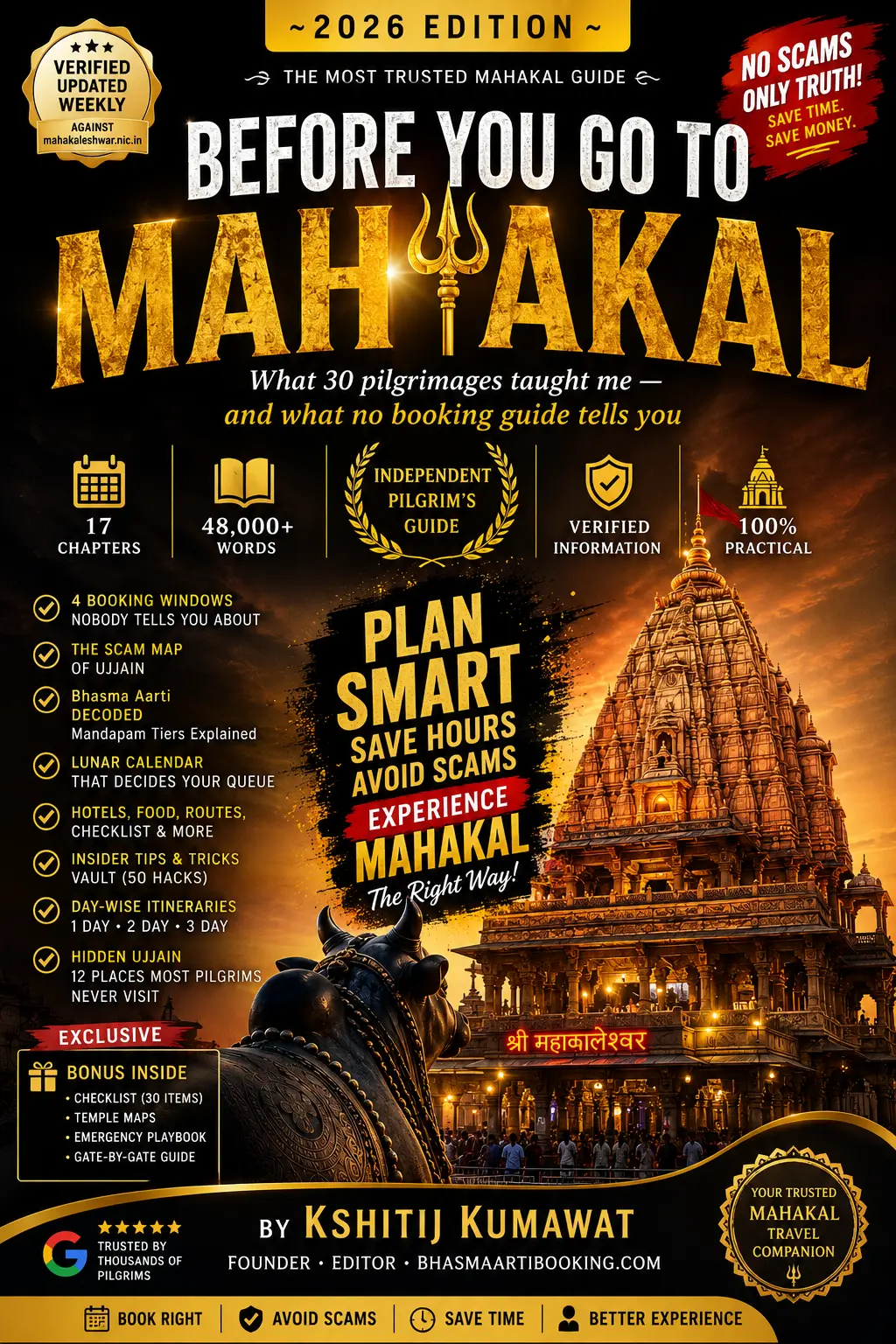
For full operational planning including the gates you exit through and what to deposit before entry, see the gate map and the Bhasma Aarti master guide. The comprehensive playbook is in the Insider Playbook (₹299).
Continue your pilgrimage research
- Online Booking — Step by StepHow mahakaleshwar.nic.in actually works — slot release, midnight refresh.
- Offline Booking at Gate 4Walk-in counter timings, documents, what to expect.
- Bhasma Aarti TimeExact 4 AM schedule and Gate 4 entry timeline.
- Mahakaleshwar TempleThe Jyotirlinga, the south-facing lingam, and the daily aartis.
- Travel to Ujjain — HubCabs, trains, routes and darshan logistics.
- The Insider Playbook — ₹299120-page operational guide to Bhasma Aarti and Ujjain pilgrimage.